

 Free forever on the base plan. No card.
Today
Travel
flights and hotelsKai looks at your commitments, tells you which days can take the trip, and finds flights and hotels that fit.
Akai holds your day and hands it to you one piece at a time. Inside is Kai, who knows it: it rebuilds the day when it falls apart, books what can be booked, and passes what needs two hands to a real person.
The problem isn’t that you don’t know what to do.
It’s that you know it all at once. A thirty-two-item list isn’t a plan: it’s the same anxiety, better organized. And every app you’ve tried asked you, in order to work, to be the person you’d be if you didn’t need it.
Akai starts from the opposite assumption: days fall apart, things get forgotten, and it isn’t your fault. Holding them together is Kai’s job.
This is the real app, recorded on an iPhone. It changes as you scroll.
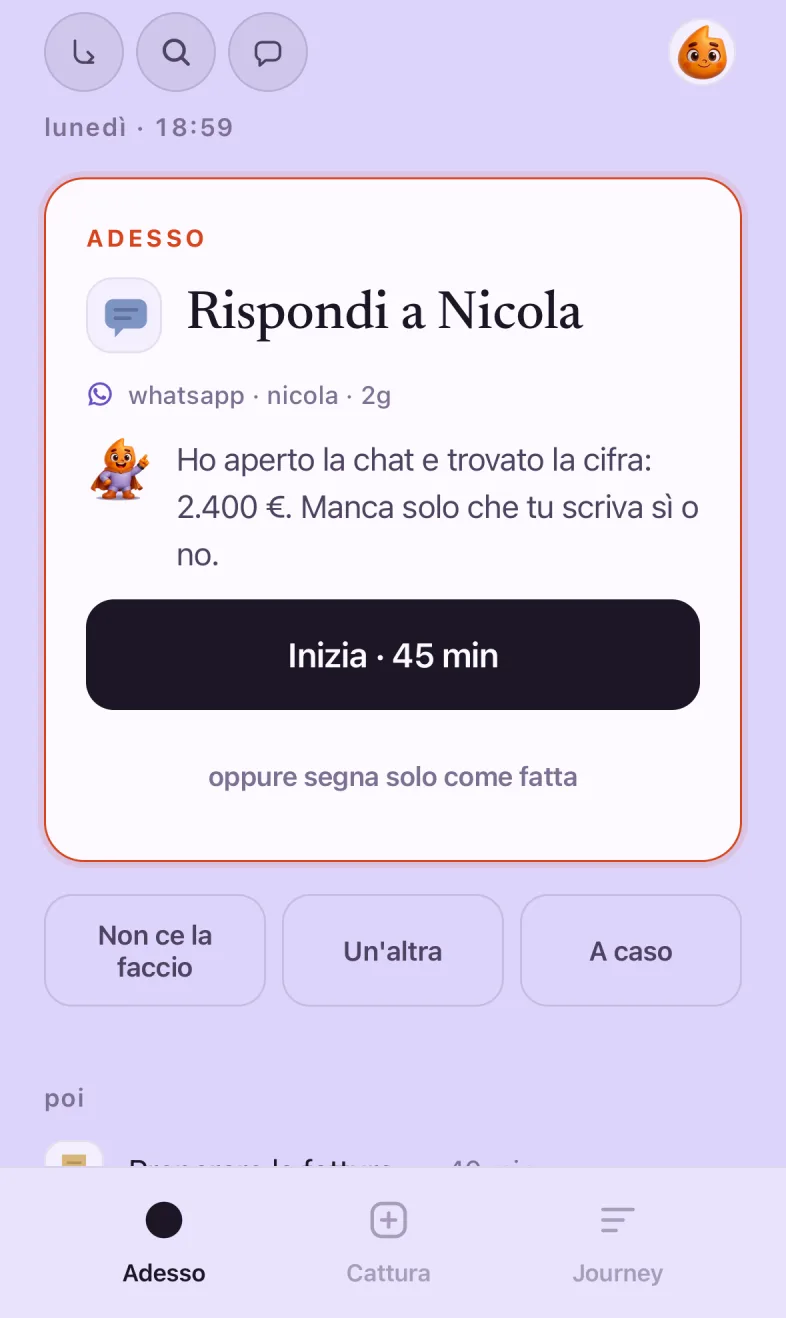
Now puts one thing in front of you, with the time it needs and what comes after. Start, “I can’t do it,” or “another one”: three answers, none of them wrong.
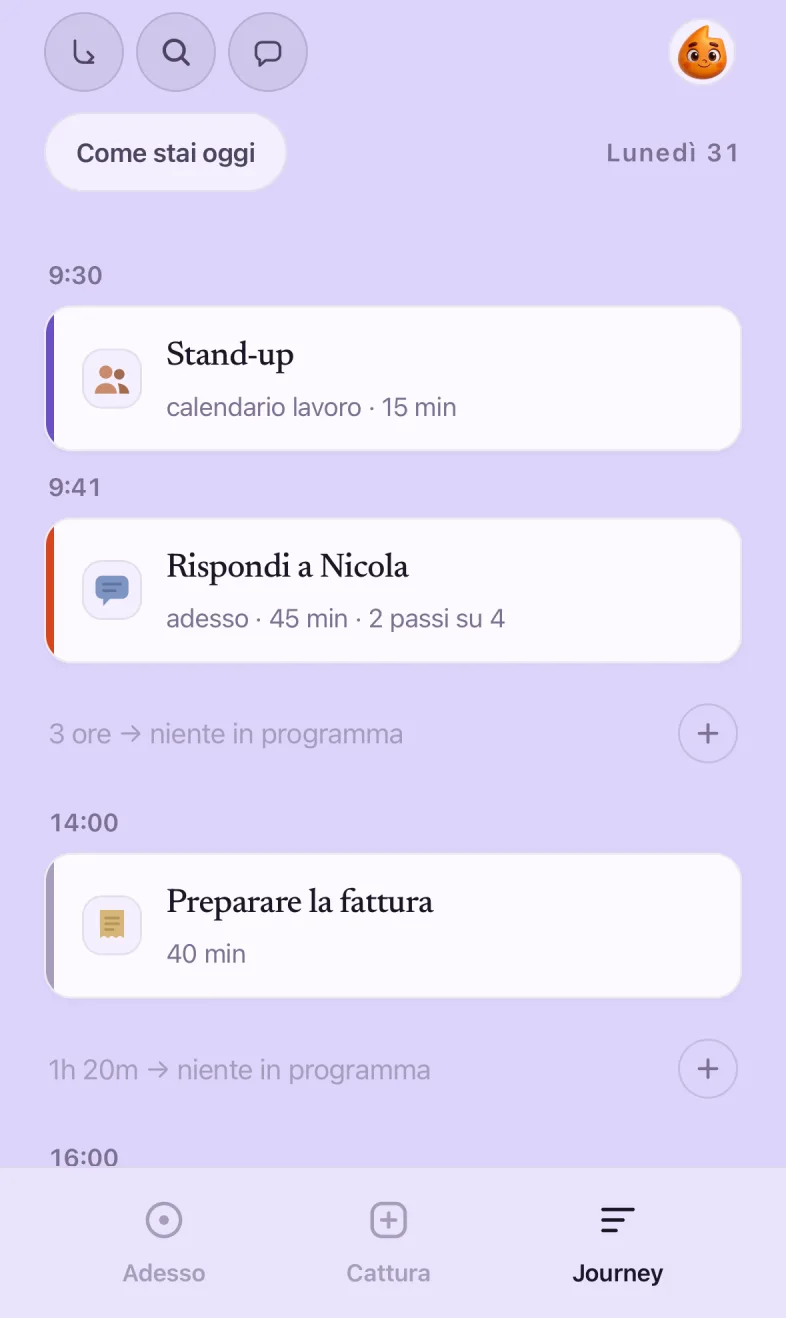
Journey is the whole day, hour by hour, with the gaps written in: “2h free, nothing planned.” Tap the plus and the gap becomes a thing. Or it stays a gap, and that’s a plan too.
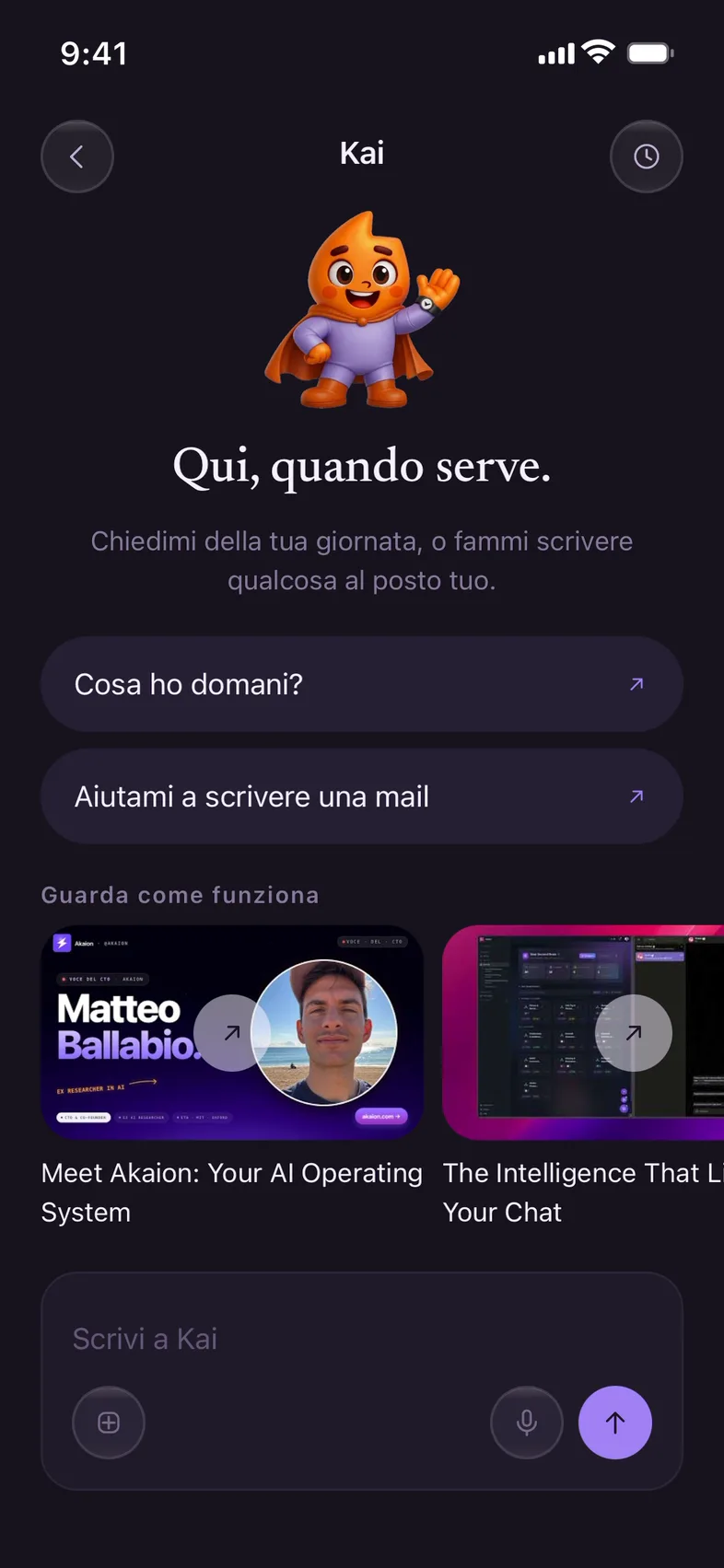
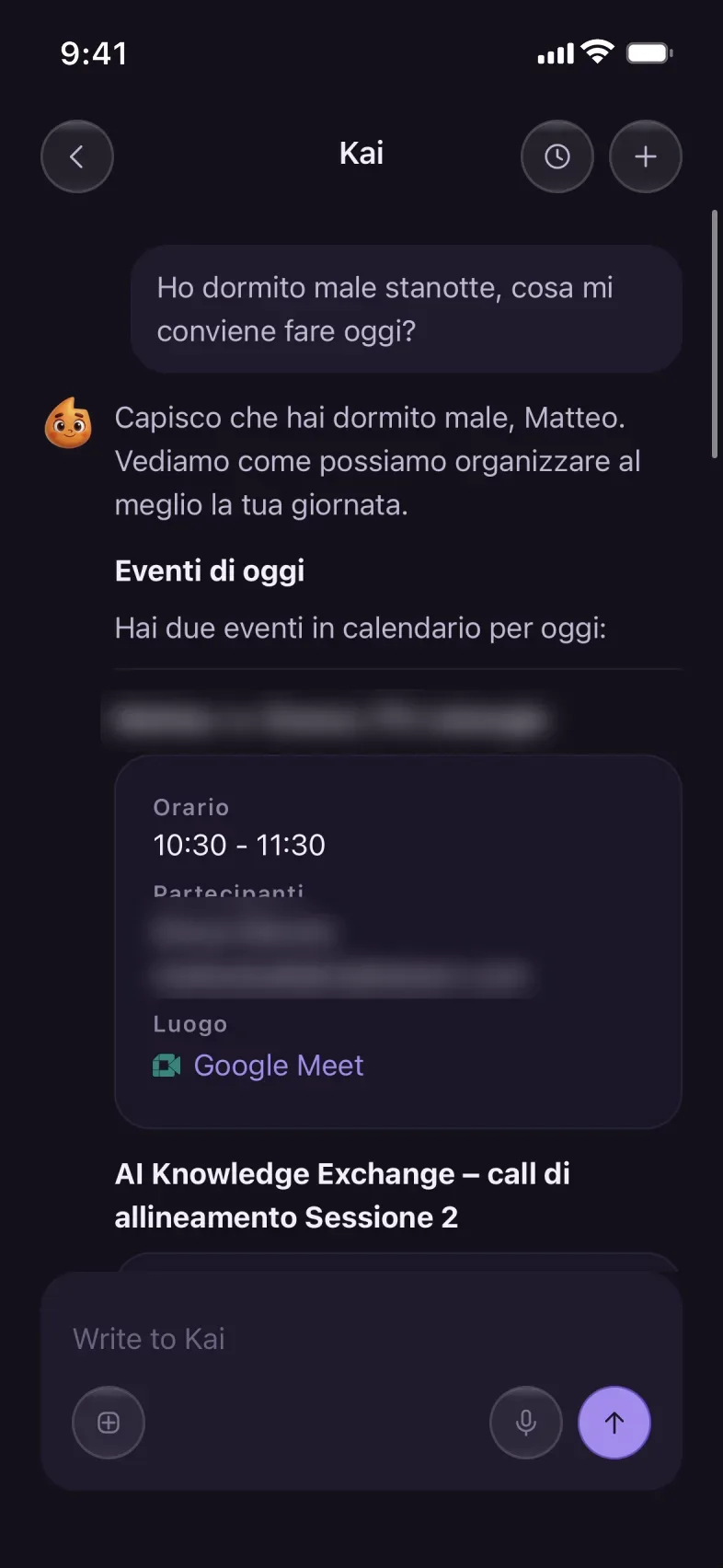
Kai reads your calendar and open things and answers like someone who knows your week. Ask what’s on tomorrow, have it write an email, or tell it you slept badly.
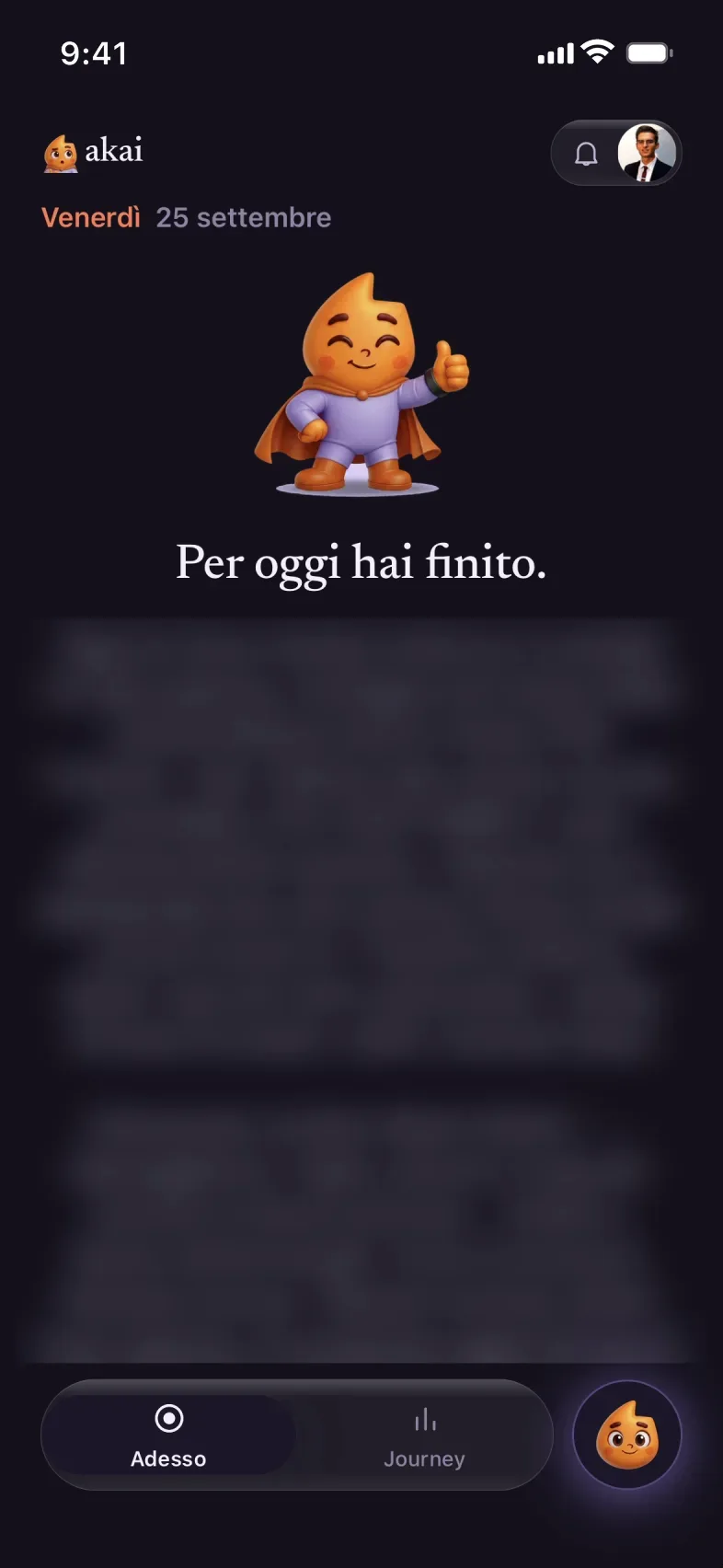
When you’re done, Kai tells you: “You’re done for today.” No red lines, no streak to lose, no recap of how far behind you are. Tomorrow starts again from one.
Hours in meetings, hours for your own things, hours still free, and the busiest day of the month. No goals to hit, no red charts. It’s there for you to see it, and for Kai to know where to put the rest.
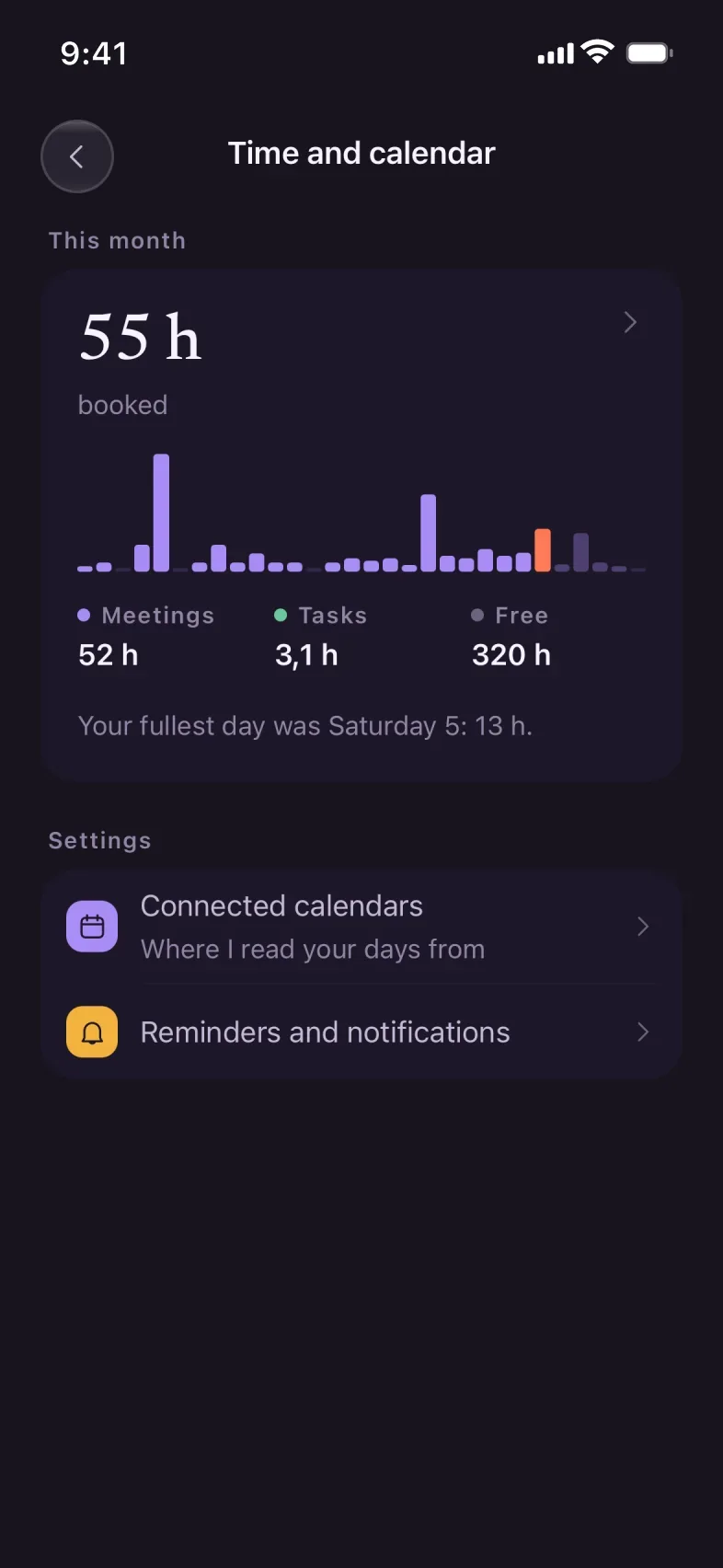
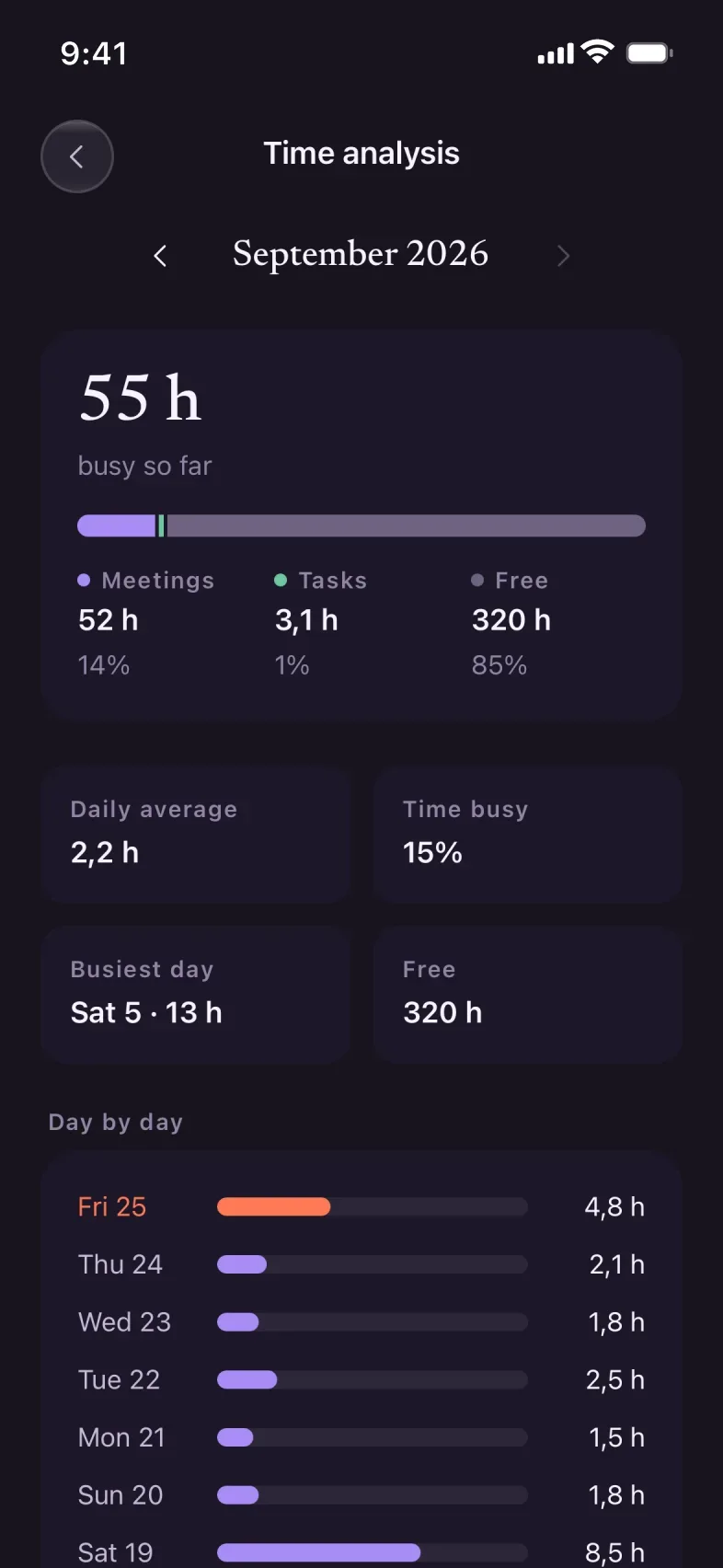
Pick a sentence and watch what Kai does. Every example says whether it does it today or whether it’s coming.
I slept badly last night, what should I do today?
The two calls stay: they’re fixed. I moved the accountant to tomorrow, and I left you an empty hour at 4pm.
Kai always tries the lightest step first. It only climbs if it has to, and before spending a cent it asks you.
It reads your calendar and open things, and puts one in front of you. The rest stays held.
It writes the email, compares the options, lines up the steps. You read it over and say yes.
Flights, hotels, the hairdresser around the corner, an evening with friends. Nothing gets paid without your yes.
A parcel to pick up, a queue to stand in, the car to wash. Kai writes the task and hands it to a real assistant.
Travel, shops around the corner, events, your body, people. Every bridge says whether it’s here today or coming.
Kai looks at your commitments, tells you which days can take the trip, and finds flights and hotels that fit.
Hairdresser, beautician, physio: it books into the shop’s real calendar, in the free gap of your day.
smallbusiness.akaion.comDrinks, a dinner, a workshop: Kai creates the event with its page and a sign-up link.
aionvibes.comGarmin, Apple Health and the rest: if you slept badly, the plan knows before you say it.
Verified assistants and concierges for what an agent can’t do: it takes two hands.
ciaograziemille.comAkai is designed starting from ADHD, because that’s where planners break first. But the problem doesn’t ask anyone for a certificate.
You know everything you have to do, all at once.
It hands you one. It holds the rest, and never throws it back at you.
Your day is a Tetris someone else filled in.
It finds the real gaps and tells you which things fit in them.
Two calendars, one head, zero slack.
It puts the two lives together and passes on what doesn’t need to be done by you.
Every trip is three apps and half an hour of juggling.
It picks the days that work, finds the flight and hotel, and puts them in your calendar.
Your training plan doesn’t know you slept four hours.
It lightens the day when your body asks for it. With sleep data, coming soon.
Exams are far away until they’re tomorrow.
It breaks the syllabus into one-hour pieces and slots them in wherever there’s room.
Six short lessons, one screen at a time. Not to use it “right”: to know what to ask it, and how far it can go in your place.
Thirty-seven hand-drawn objects, flat, two tones, never recolored. A list with faces you can scan; a list of text you have to decode.
There’s no trial that expires and leaves you stranded mid-day. If you use Akai every day, the rest costs less than a coffee a week.
Everything you need to stop losing things.
Kai rebuilds the plan on its own and reads your sources.
Up to five people, with household things shared.
You don’t need to get anything in order before you start. Drop in the first thing on your mind: we’ll deal with the rest later.